You can play World of Warcraft: Mists of Pandaria on an Android phone, an iPhone or an iPad at https://play.shadopan.com, in Chrome or Safari, with no app to install. Hold the device sideways: the game has on-screen touch controls, and adding the page to your home screen opens it full screen. Phone support is new and still being improved, on iPhone and iPad most of all.
At a glance
- Game: World of Warcraft: Mists of Pandaria, patch 5.4.8 (build 18414)
- Price: free. No shop, no subscription, nothing to buy
- Where: https://play.shadopan.com, in the phone's browser. There is no app
- Phones and tablets: Android in Chrome; iPhone and iPad in Safari or Chrome on iOS / iPadOS 17 or newer
- How: landscape only, with touch controls on screen
- Frame rate: up to 30 frames per second on phones
- Status: still under development. Phone support is new; iPhone and iPad support is still being improved
Shadopan is a fan-run server and is not affiliated with Blizzard Entertainment.
Yes, on a phone, without an app
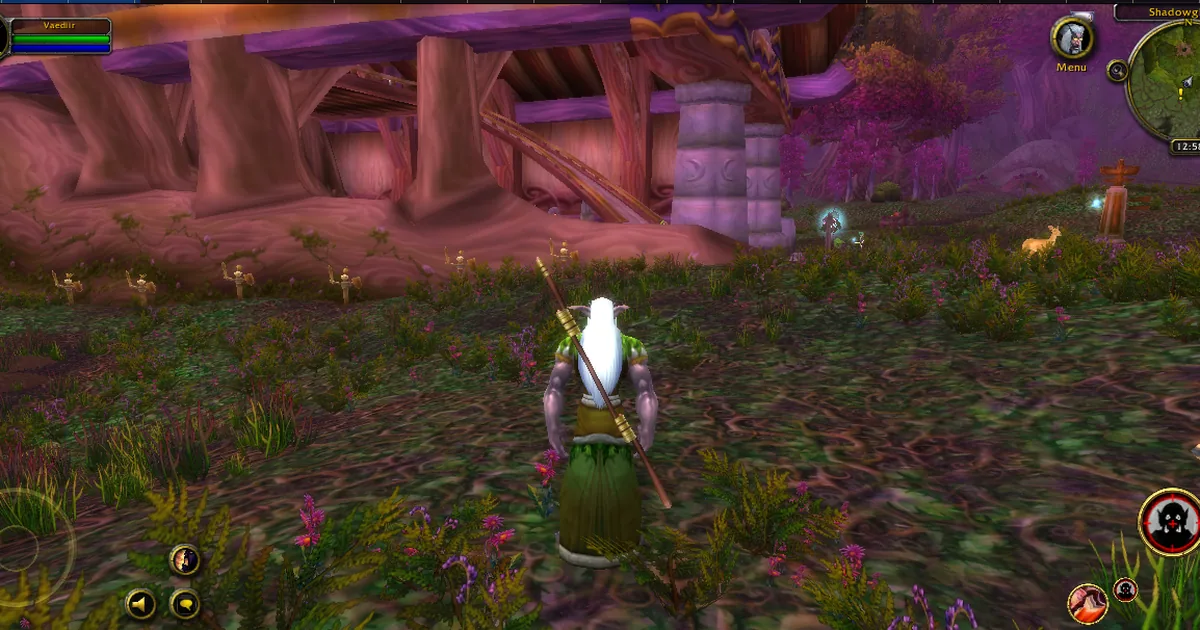
 Shadopan runs the original Mists of Pandaria 5.4.8 client inside the browser. On a phone it is the same game, the same realm and the same characters as on a computer, with a touch interface on top. It is not a mobile remake, and it is not video streamed from a remote PC: the game runs on the phone itself.
There is nothing in an app store. You open https://play.shadopan.com in the phone's own browser, log in and play. Open it in the real browser, not inside another app: links tapped in Discord, Instagram, TikTok, Facebook or Reddit open in those apps' built-in browsers, where the page says "This app's built-in browser can't run the game. Open the page in Safari or Chrome."
Your account is the same free Shadopan account everywhere. A character you level on a computer in the evening is the one you see on your phone the next day.
Which phones work
Android: use Chrome.
iPhone and iPad: use Safari or Chrome on iOS or iPadOS 17 or newer. On older versions the page says "The game needs iOS / iPadOS 17 or newer (Settings > General > Software Update)." Chrome on an iPhone uses the same engine as Safari, so the two behave alike.
Memory is what decides whether a phone copes. This is a full PC game client, and it needs far more memory than an ordinary web page. Measured on 2026-11-17 in Chrome emulating a Pixel 7 phone, the game's tab used about 0.6 GB at the login screen and about 1.0 GB in a capital city on a return visit, and more on a first visit while game data was still downloading. The measuring tool adds to those figures, and they have not been repeated on a real phone yet. Phones close a tab that uses too much memory, so a phone with more memory, and with fewer other tabs and apps open, is more reliable.
We do not publish a list of minimum models yet, because not enough real devices have been tested to give honest numbers.
About iPhones in particular: on the iPhone used for testing in November 2026, early versions were closed by iOS at login or when entering the world. Several causes were found and fixed since (phones now start fewer threads and use less memory), but the current version has not been re-tested on a real iPhone. Treat iPhone and iPad support as work in progress: it may run well, or the tab may reload. Crash reports from phones are how these problems get found.
Touch controls
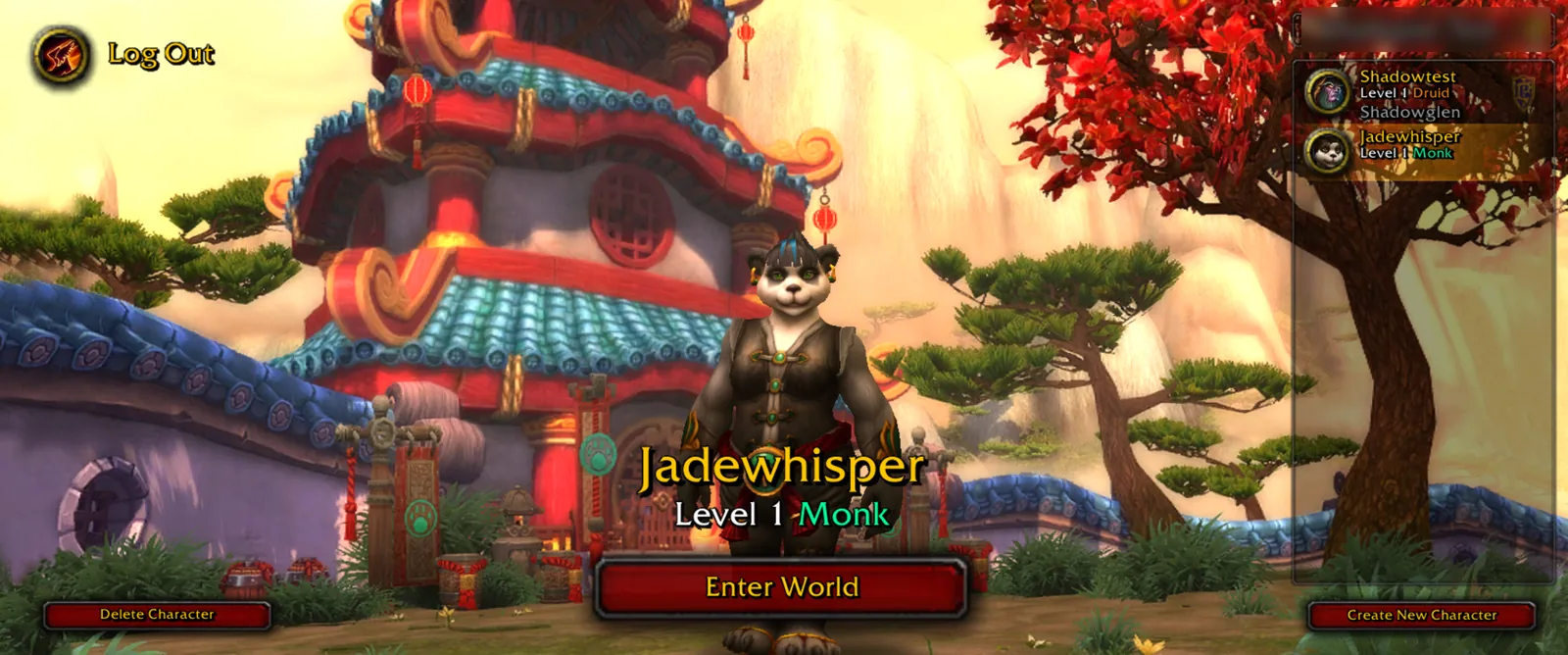 On a touch device the game swaps its mouse-and-keyboard screens for touch ones.
Before you enter the world:
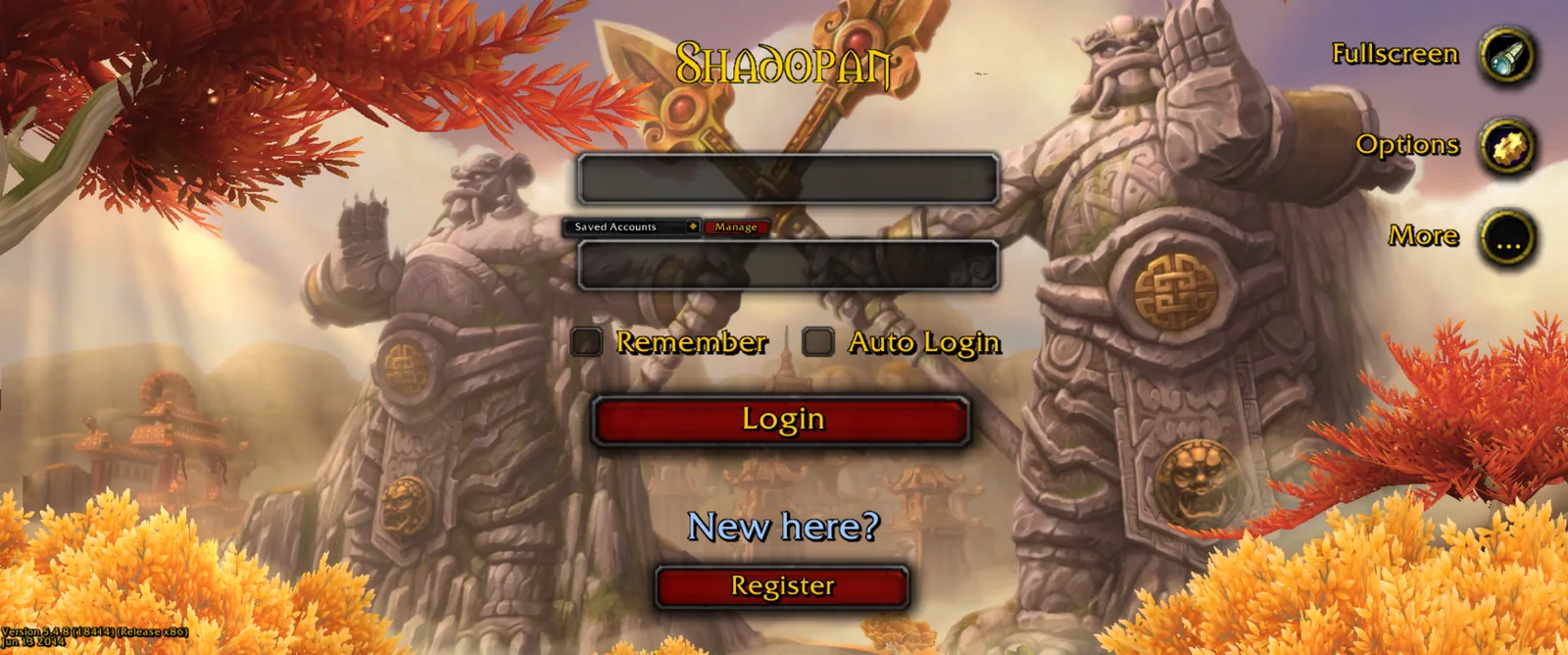
- A touch login screen.
- A character list as cards down the side: tap a character to pick it, double tap to enter the world. A tap on the realm's name opens the realm list.
- A touch character creation screen with the races and classes as round buttons.
In the world:
- A movement stick on the left side of the screen.
- Drag on the world to turn the camera.
- Tap a creature or an NPC to target it. The main button then attacks it or talks to it, and its icon shows which.
- A jump button.
- Tap the minimap to open a large world map, and pinch with two fingers to zoom it.
- Quick Chat and a larger chat panel. Text is typed with the phone's own keyboard.
- A menu drawer that opens your bags, spellbook and character panel, and a Mobile Controls page in the settings.
A window that covers part of the screen takes your finger first, so you don't walk away while reading your spellbook.
The first time a phone opens the game it gets its own settings: lighter graphics (shadows off, a shorter view distance, less ground detail), a larger interface so buttons are finger sized, and enemy nameplates on. You can change any of it in the game's options, and your changes are kept.
Add it to the home screen for full screen
In an ordinary browser tab, the address bar and toolbars take space away from the game. Added to the home screen, the page opens full screen and in landscape, without the browser's bars.
- iPhone and iPad: open https://play.shadopan.com in Safari, tap Share, then Add to Home Screen.
- Android: open it in Chrome, open the menu, then Add to Home screen.
Where the browser allows it, the page also asks for full screen on your first tap, and it asks the phone to keep the screen on while you play.
Battery and data
Phones run the game at up to 30 frames per second, to save battery and memory. It is still a 3D game drawn by your phone's processor and graphics chip, so expect it to use battery like one. We have no measured battery figures yet.
The game streams its data as you play rather than downloading everything first. Where the browser's storage is available, a phone keeps up to 512 MB of that data, so a zone you have visited loads faster the next time. As one data point: in a test on 2026-11-11, an iPhone had downloaded about 109 MB by the time its character was standing in the world. Each new zone adds more. Data use on a mobile connection has not been measured, so if your plan is limited, do the first start and new zones on Wi-Fi.
Known phone issues
- The tab reloads or closes. The phone ran out of memory for the tab. Close other tabs and apps and open the game again.
- You were disconnected after switching apps. Phones close the game's connection when the browser goes to the background or the screen locks. Keep the game in front, and log in again if it happens.
- "Turn your device sideways. The game is played in landscape." The game has no portrait mode. Turn the phone; if nothing happens, check that rotation lock is off.
- "A new version is available - tap to reload." The game was updated while you were playing. Tap the message to get the new version.
- One account can be in the game once. Logging in on your phone while your computer is still logged in disconnects the other session after a minute or two.
Ready to try it? Open https://play.shadopan.com on your phone and turn it sideways. Play Mists of Pandaria in Your Browser (https://shadopan.com/en/guides/play-mists-of-pandaria-in-browser) covers the game itself, How to Play (https://shadopan.com/en/how-to-play) has the sign-up steps, and How World of Warcraft Runs in a Browser (https://shadopan.com/en/guides/how-wow-runs-in-a-browser) explains what had to change for phones. More answers are in the FAQ at https://shadopan.com/en/faq.