Shadopan is a free Mists of Pandaria 5.4.8 server you play in the browser at https://play.shadopan.com. The full MoP client runs locally in the tab using WebAssembly and WebGL 2 or WebGPU, so there is nothing to download, and it works on computers and on phones held sideways.
At a glance
- Game: World of Warcraft: Mists of Pandaria, patch 5.4.8 (build 18414), the last patch of the expansion
- Price: free. No shop, no subscription, nothing to buy
- Where: https://play.shadopan.com, nothing to install
- Devices: Windows, Mac, Linux, Chromebook; Android, iPhone and iPad in landscape
- Browsers: a recent Chrome, Edge or Firefox on computers; Safari or Chrome on iOS / iPadOS 17 or newer
- Desktop launcher: coming soon
- Status: still under development
Shadopan is a fan-run server and is not affiliated with Blizzard Entertainment.
MoP 5.4.8 in a tab: what that means
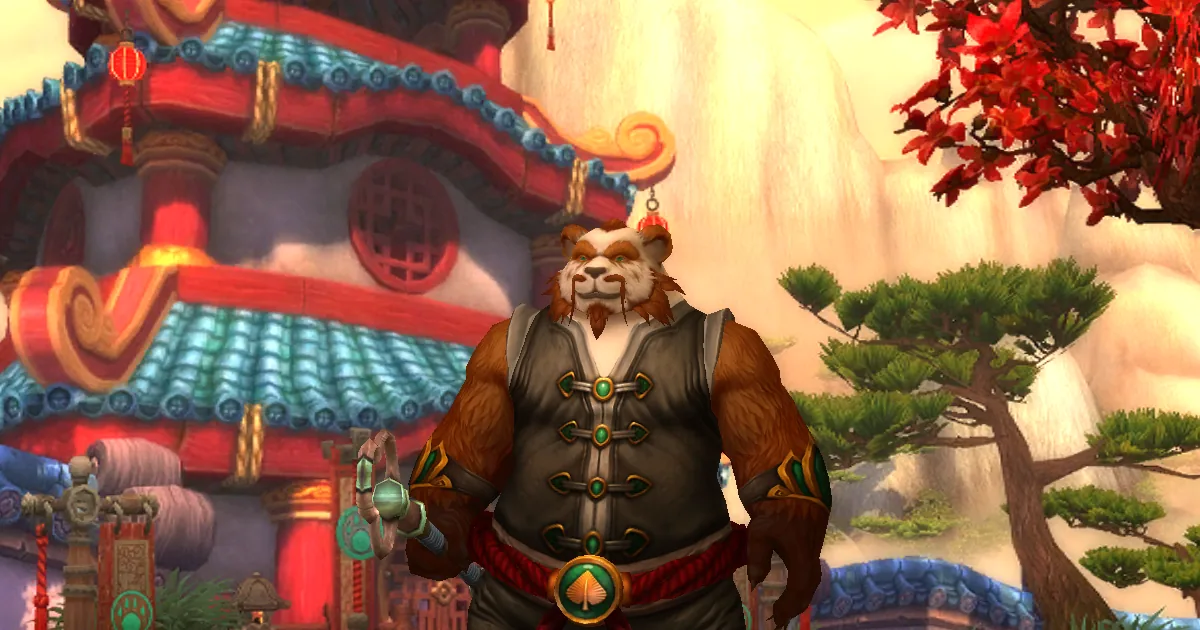
Mists of Pandaria is the fourth World of Warcraft expansion: the continent of Pandaria, the Pandaren race, the Monk class, pet battles, scenarios and challenge modes, ending with the Siege of Orgrimmar in patch 5.4. Patch 5.4.8 (build 18414) is its final version, and it is the one Shadopan runs.
"In a tab" means the game itself runs on your device, inside the browser. It is not video streamed from a cloud PC. The original 5.4.8 client was recompiled to WebAssembly; its Direct3D graphics are translated to WebGL 2, or to WebGPU on Macs; and its network connection to the realm is carried over a WebSocket. The game data (maps, models, textures, sounds) streams in as you need it and is cached by the browser, so later starts are faster than the first.
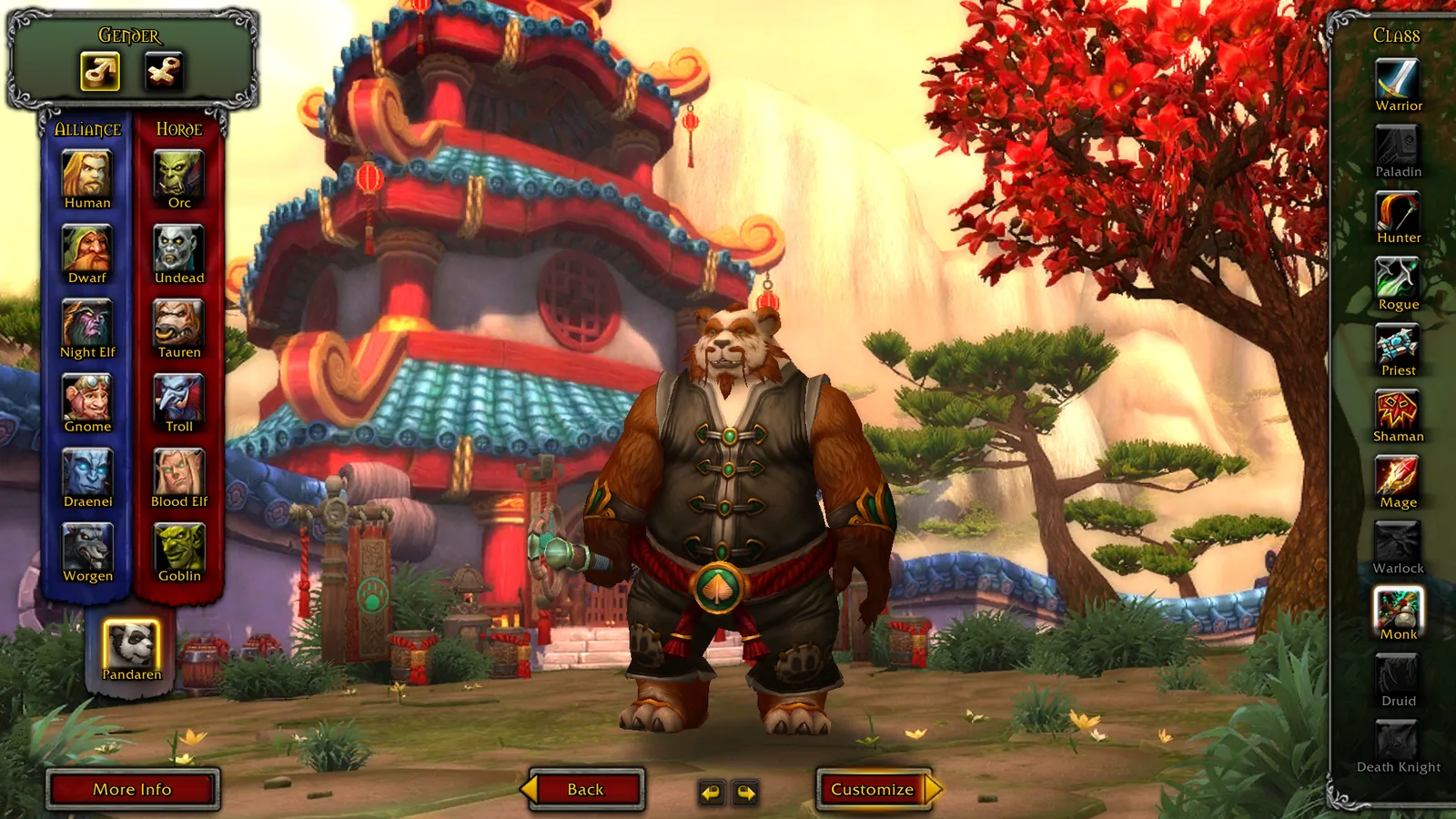
What you get is the game you remember: the original login screen, the character creation with all 5.4.8 races and classes, the interface, the zones and the music.
Start playing
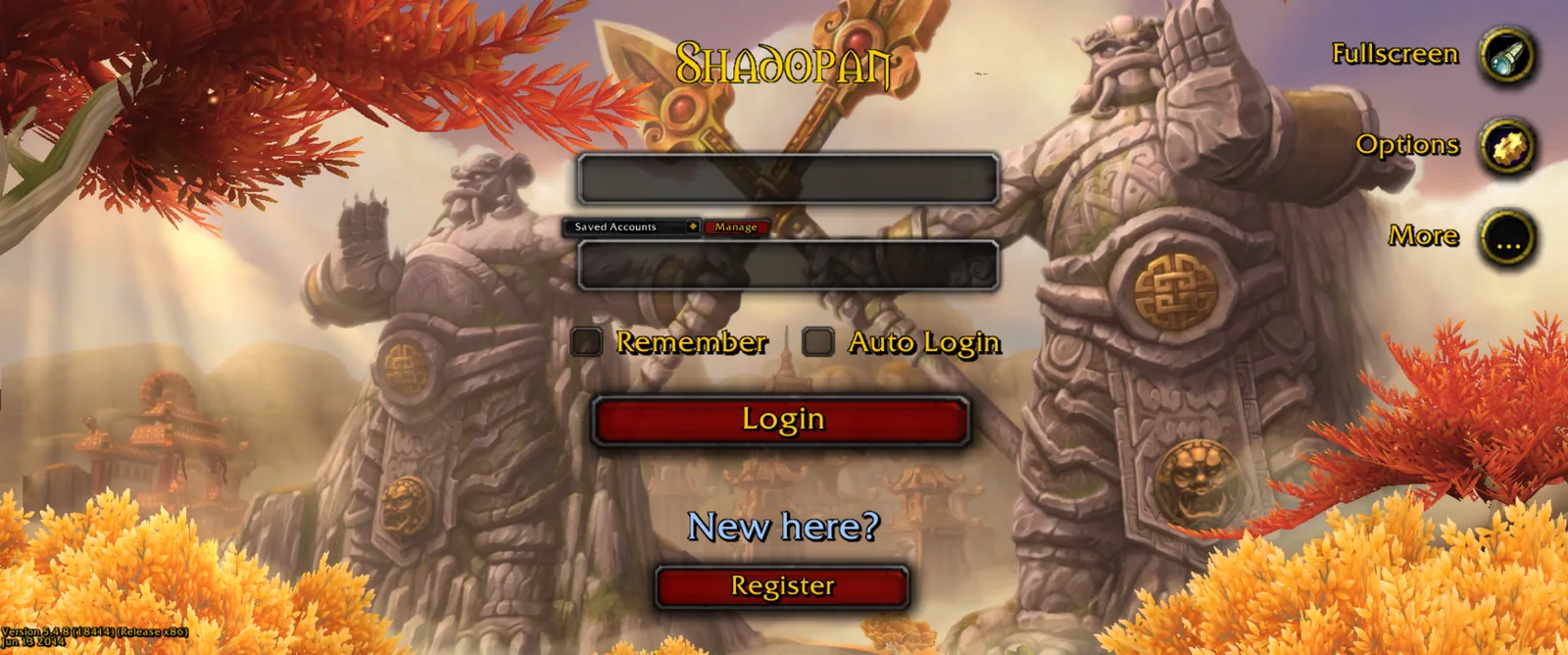
 1. Make a free account on the website (https://shadopan.com/en/how-to-play) or with the Create Account button on the game's login screen. The email field is optional.
2. Open https://play.shadopan.com in Chrome, Edge, Firefox or Safari.
3. Log in with your account name (not your email).
4. Choose your realm and create a character. If you want the Pandaria experience from level 1, pick a Pandaren: they start on the Wandering Isle, on the back of the great turtle Shen-zin Su, and choose Alliance or Horde when they leave it.
The same account and the same characters will work in the desktop launcher once it is released, so nothing you do in the browser is lost if you switch later.
What content is live
Shadopan is a progressive server: Mists of Pandaria's content is unlocked phase by phase on a fixed timeline, and raids open tier by tier. The planned order follows the expansion: Mogu'shan Vaults, Heart of Fear and Terrace of Endless Spring, then Throne of Thunder, then Siege of Orgrimmar. Opening dates are announced on the website and have not been set yet.
The level cap is 85 when the realm opens and rises to 90 when Pandaria is released; the realm runs at x1.5 experience and x1 for everything else. The Dungeon Finder is on and matches you with players of your own faction.
Phones and tablets
 The same server and the same characters work on a phone. Hold the phone sideways and the touch interface appears: a movement stick on the left, camera dragging, a touch-friendly login screen and character list, and larger menus. The game is landscape-only; in portrait you will see "Turn your device sideways".
Tips for phones:
- Add the page to your home screen. It then opens full screen, without the browser's address bar.
- Keep the browser in front. Phones close the game's connection when the browser goes to the background, so switching apps or locking the screen disconnects you.
- Close other tabs and heavy apps first. The game needs a lot of memory for a browser tab, and phones close tabs that use too much.
- On iPhone and iPad you need iOS or iPadOS 17 or newer.
Phones run the game at up to 30 frames per second.
Performance tips
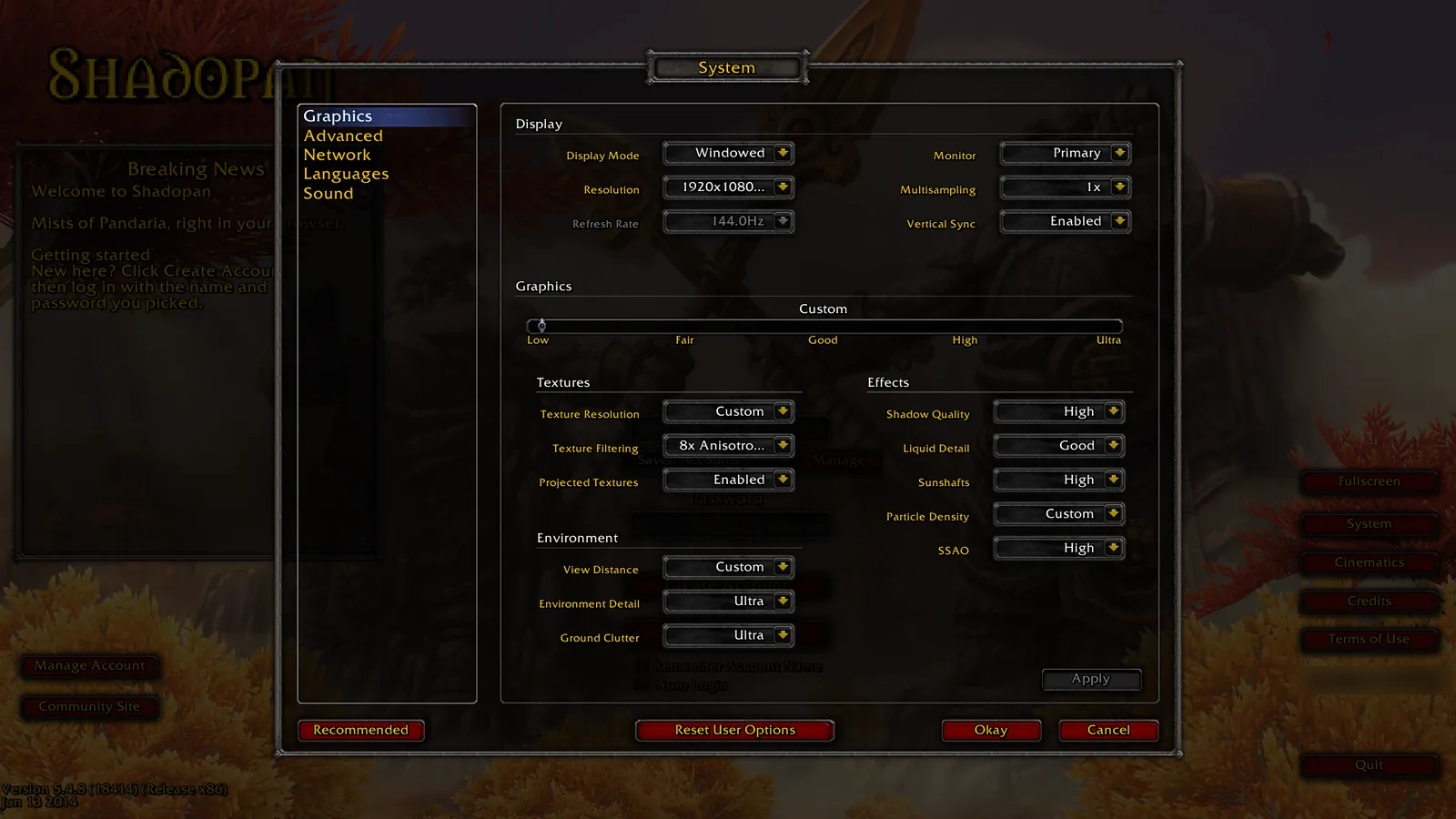 On a computer, the game uses your graphics card through the browser, so a few settings matter:
- Turn on hardware acceleration in your browser (it is on by default in Chrome, Edge and Firefox).
- On a laptop with two graphics chips, make sure the browser uses the dedicated one (Windows: Settings > System > Display > Graphics).
- Close other heavy tabs, especially video.
- The in-game graphics options are the original ones, under System on the login screen or in the game menu. View distance, shadow quality and SSAO cost the most.
- Expect some loading in your first minutes in a new zone while its data streams in. It is faster the next time, because the browser keeps it.
If something goes wrong, reload the page first: you always get the latest client that way. More help is in the FAQ (https://shadopan.com/en/faq).
Ready? Open https://play.shadopan.com. If you are new to private servers, Mists of Pandaria Private Servers: What to Look For (https://shadopan.com/en/guides/mists-of-pandaria-private-server) explains what to check before you commit to one, and WoW 5.4.8 Private Server: Patch, Content and Realm Info (https://shadopan.com/en/guides/wow-5-4-8-private-server) has the realm details.