"RuntimeError: memory access out of bounds" (Safari words it "RuntimeError: Out of bounds memory access") means the game hit a bug and stopped where it was. Reload the page to carry on: your character is safe on the server, and a reload always loads the newest version. The causes we have found so far are fixed, listed below with dates.
What you see
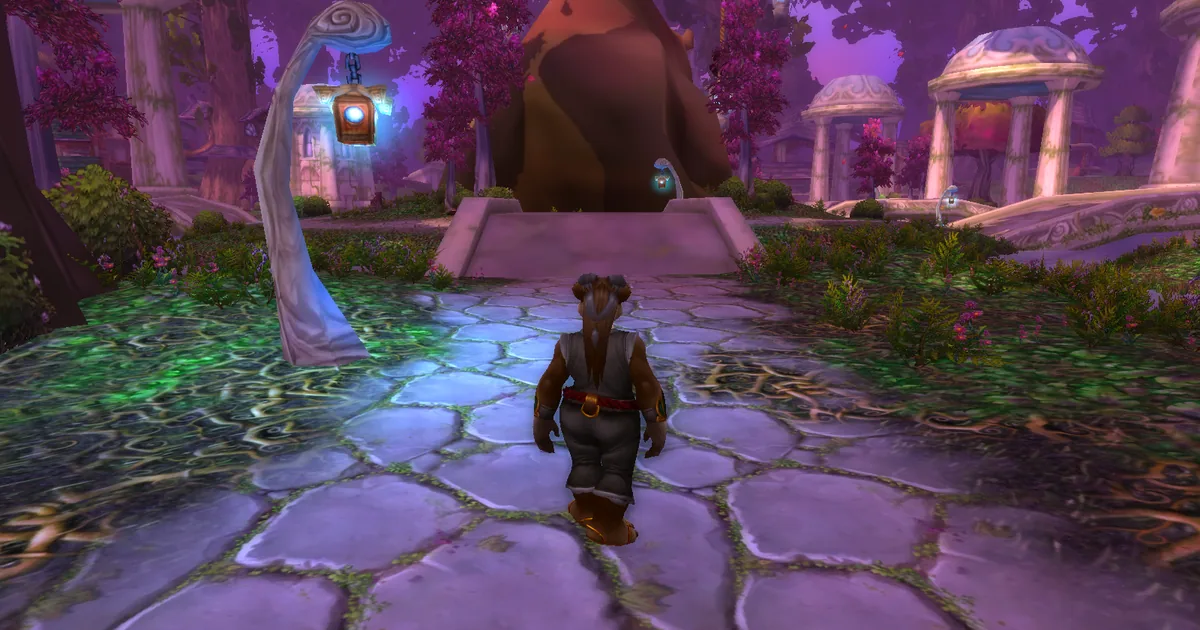
The picture freezes and the page shows a line starting with "error: RuntimeError:". The game does not recover by itself, and the page sends us a crash report with the place it stopped.
Fixes, most likely first
1. Reload with Ctrl+F5 (Cmd+Shift+R on a Mac) and log in again.
2. If the page shows "A new version is available - tap to reload", click it. Fixes arrive this way; nothing needs installing.
3. If it stops again at the same place or on the same action (a certain spell, window or zone), avoid that for now and tell us what it was. That detail is what lets us find the bug.
4. On a phone or tablet, close other tabs and apps first: there the same stop can follow the tab running short of memory. See iPhone or iPad: the page reloads or crashes.
Fixed so far
- 2026-11-14: melee abilities that draw a weapon trail (for example Heroic Strike) stopped the game. Fixed.
- 2026-11-15: opening the Raid tab, the friends status menu or the guild Rewards tab stopped the game. Fixed.
- 2026-11-15: a stop on iPhones when entering the world. Fixed.
- 2026-11-16: a stop in combat on Windows, the most reported one: 21 reports on 2026-11-14 and 2026-11-15. Fixed on 2026-11-16.
- 2026-11-18: entering the world in Undercity, walking along the north wall of Northshire Abbey, and a typing mistake in a /run command or an addon (a Lua syntax error) stopped the game. Fixed.
If you still see the error after these dates, reload with Ctrl+F5 to make sure you are on the current version, then report it.
Why a browser game shows this
The game is the original 5.4.8 client, rebuilt to run in the browser. Where that rebuild got a detail of the original wrong, the browser stops the game instead of letting it read memory it shouldn't. That keeps your browser safe, and it tells us exactly where to look.
Still stuck?
Ask on our Discord (linked from https://shadopan.com) or use the Support page. Tell us what you were doing when it stopped (zone, spell, window), your device and your browser. On a computer, pressing F10 on the game page shows its log; a screenshot of the last lines helps. The page sends a crash report by itself when the game stops, as described on the privacy page.