The game is played in landscape, so turn the phone or tablet sideways and the message goes away; if it doesn't, rotation lock is on. If the interface is too small to read or tap, tick UI Scale in the game's System > Advanced options and move the slider.
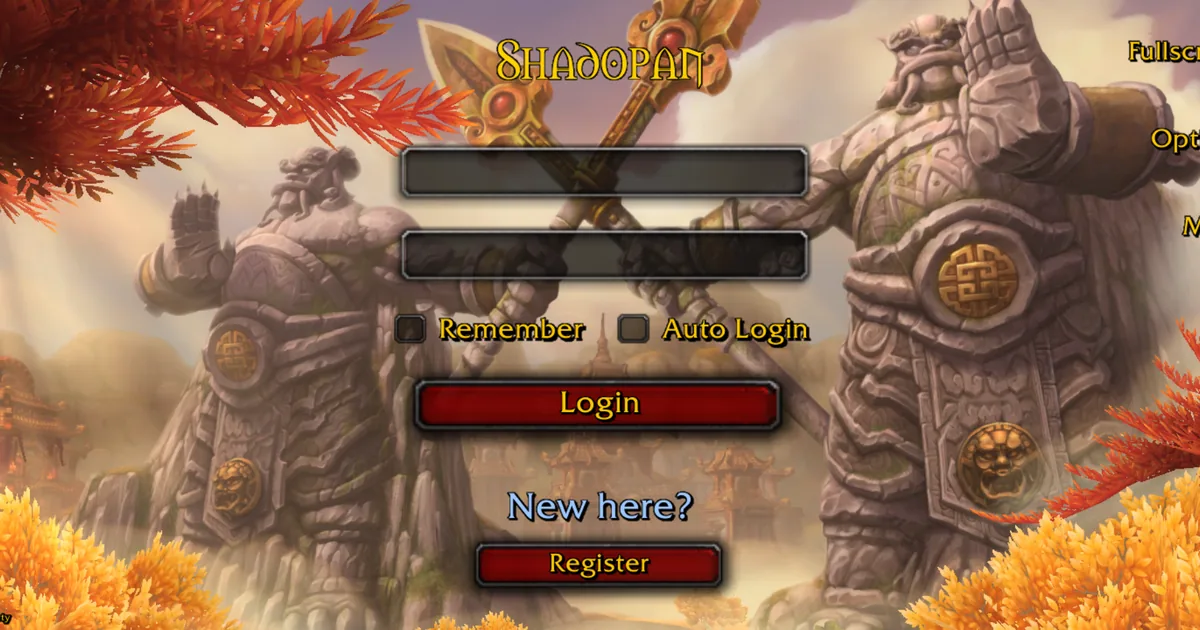
What the page says
"Turn your device sideways" and, under it, "The game is played in landscape."
It shows whenever the page is taller than it is wide, and disappears as soon as you turn the device.
Fixes, most likely first
1. Turn the device sideways.
2. Switch off rotation lock. On an iPhone or iPad, open Control Centre and tap the lock with the arrow around it. On Android, turn on Auto-rotate in the quick settings.
3. Still upright? Reload the page while holding the device sideways.
4. Add the page to your home screen and start the game from that icon. It opens full screen, without the browser's bars, which gives the game the whole display.
The interface is too small
1. Open the game's options and go to System > Advanced.
2. Tick the UI Scale box. The slider stays greyed out until the box is ticked.
3. Move the slider and confirm with Okay.
Phones get a touch interface with larger buttons, a movement stick and camera dragging as soon as the device is sideways. If you see the small desktop interface on a phone instead, reload the page; on iPhones that was a bug, fixed on 2026-11-11.
Text looks soft
Until 2026-11-12 phones drew the interface at one and a half times the page's size, which a high-resolution phone screen then stretched, so all text looked soft. Phones now draw the interface at up to twice the page's size and text is drawn larger before it is scaled. The 3D world is still drawn at a lower resolution than the interface on phones, to keep the frame rate and memory use down, so the world looks softer than the buttons and text on top of it.
If the text is still soft after that date, reload so you have the newest version.
Related
Opened the link inside another app and got a different message? See This app's built-in browser can't run the game. For crashes on iPhones see iPhone or iPad: the page reloads or crashes. Phones run the game at up to 30 frames per second; more in Low FPS or stutter.
Still stuck?
Ask on our Discord (linked from https://shadopan.com) or use the Support page. Tell us your phone or tablet model, its Android or iOS version, your browser, and a screenshot of what the interface looks like. On a computer, pressing F10 on the game page shows its log; a screenshot of the last lines helps. The page sends a crash report by itself when the game stops, as described on the privacy page.