When you tap a link to the game inside Discord, Instagram, TikTok, Facebook, Reddit or Snapchat, the app opens it in its own built-in browser, and that browser can't run the game. Open https://play.shadopan.com in Safari or Chrome instead; the page gives you buttons for it.
What the page says
"This app's built-in browser can't run the game. Open the page in Safari or Chrome."
Under the message there is a Copy link button. On Android there is also an Open in Chrome button.
Fixes, most likely first
1. On Android, tap Open in Chrome under the message. The game opens in Chrome.
2. On iPhone or iPad, tap Copy link, open Safari, paste the link in the address bar and go. If the button shows the address instead of "Link copied", type it: play.shadopan.com.
3. Or use the app's own menu. Most apps have a menu button on the page they opened (often three dots or a share icon) with an entry such as Open in browser, Open in Safari or Open in Chrome.
4. Next time, skip the app. Bookmark https://play.shadopan.com or add it to your home screen, and start from there. From the home screen the game opens full screen.
Why this happens
The game is the original client running on several threads. Browsers only allow that on a page that is isolated from other sites, and the browsers built into apps don't provide that mode. Nothing is wrong with your phone or your account, and nothing needs installing: the same link works in the real browser.
On an iPhone or iPad the game also needs iOS or iPadOS 17 or newer. If Safari then shows a different message, see This browser can't run the game.
After it opens
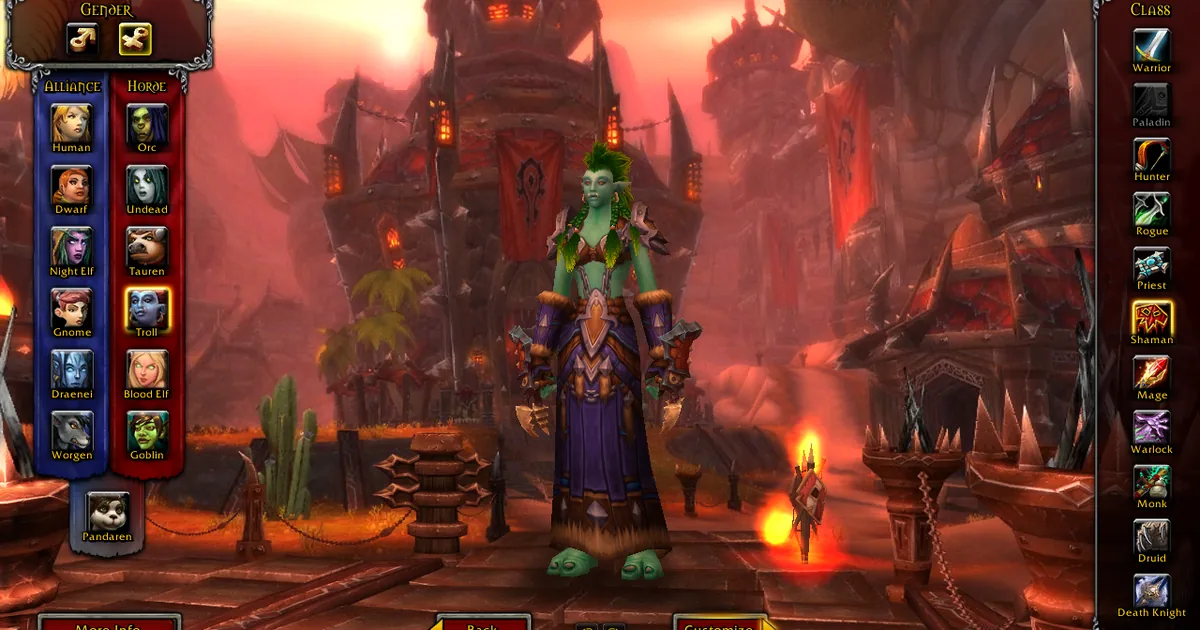
Turn the phone sideways: the game is played in landscape, and the touch controls appear once you do. Turn your device sideways has more on the phone interface, and Play World of Warcraft in Your Browser covers signing up and logging in.
Still stuck?
Ask on our Discord (linked from https://shadopan.com) or use the Support page. Tell us which app you opened the link from, your phone model and its Android or iOS version. On a computer, pressing F10 on the game page shows its log; a screenshot of the last lines helps. The page sends a crash report by itself when the game stops, as described on the privacy page.