iPhones and iPads close a browser tab that uses too much memory, and the game is a full PC client that needs a lot of it. When that happens the page reloads by itself, or Safari shows "A problem repeatedly occurred". Close other tabs and apps, update iOS, then reload. We are still working on this: the current version has not been re-tested on a real iPhone, so we can't promise every model works.
What you may see
- The page goes blank and reloads, at the start, at the character list or when entering the world.
- Safari's own page: "A problem repeatedly occurred" with the site's address.
- "Not enough memory for the game (reason). Close other tabs or apps, then reload (or restart the browser)."
- "The game needs iOS / iPadOS 17 or newer (Settings > General > Software Update)."
Fixes, most likely first
1. Close every other tab in the browser, and close other apps from the app switcher.
2. Close the browser itself from the app switcher, open it again and go to https://play.shadopan.com. Right after a crash the browser can refuse the game its memory until it has been restarted.
3. Update iOS or iPadOS in Settings > General > Software Update. Version 17 is the minimum; newer is better.
4. Open the page in Safari or Chrome directly, not from a link inside another app. See This app's built-in browser can't run the game.
5. Reload once more after an update banner or a crash, so you are on the newest version.
Switching between Safari and Chrome does not help: on an iPhone both use the same engine and the same limit.
What we have fixed, and when
- 2026-11-10: the tab was closed at the start because the game started too many threads at once. Phones now start far fewer.
- 2026-11-11: iPhones got the desktop interface instead of the touch one. Fixed.
- 2026-11-13: the game stopped in the world with "RuntimeError: Out of bounds memory access" as its memory grew. Phones now ask for the memory the world needs at the start.
- 2026-11-15: a crash on entering the world (a Lua error, then "Maximum call stack size exceeded"). Fixed; not seen since.
- 2026-11-17: iPhones and iPads start with more memory up front and fewer background threads, to stay under the limit in cities.
If you still see one of these, reload so you have the newest version.
Related: RuntimeError: memory access out of bounds and Turn your device sideways.
Still stuck?
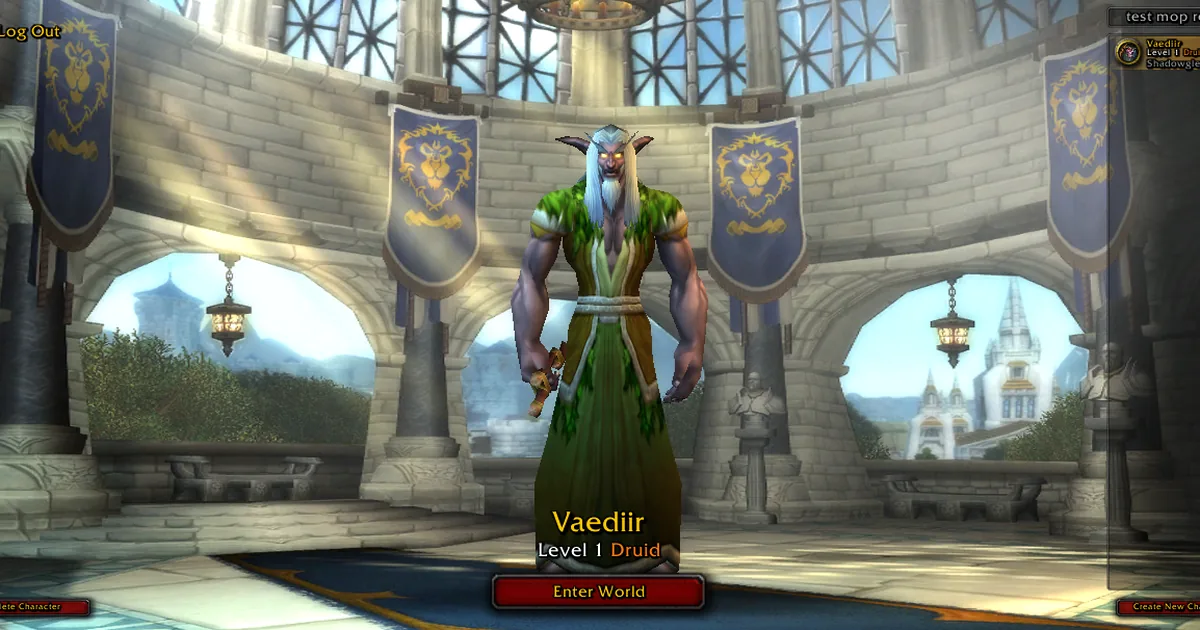
Ask on our Discord (linked from https://shadopan.com) or use the Support page. Tell us your iPhone or iPad model, its iOS version, and where it happened (loading, login screen, character list, entering the world, in a city). On a computer, pressing F10 on the game page shows its log; a screenshot of the last lines helps. The page sends a crash report by itself when the game stops, as described on the privacy page.