The Shadopan Android app plays World of Warcraft: Mists of Pandaria 5.4.8 full screen on your phone or tablet, without the browser's address bar and buttons. It is free, the download is about 1 MB, and it uses the same account and characters as the browser game. Get it from the "Get the App" button on the login screen at https://play.shadopan.com, or download the APK directly from https://play.shadopan.com/android/Shadopan.apk.
At a glance
- What it is: the free Shadopan app for Android, for Shadopan, a Mists of Pandaria 5.4.8 server
- Download: https://play.shadopan.com/android/Shadopan.apk, about 1 MB
- Systems: Android 7.0 or newer, phones and tablets. There is no iPhone or iPad app
- Where it comes from: shadopan.com only. It is not on Google Play
- Account: the same free Shadopan account and characters as the browser game and the Windows launcher
- Price: free, nothing to buy
Shadopan is a fan-run server and is not affiliated with Blizzard Entertainment.
What the app is
The app opens the Shadopan game full screen and in landscape, like an installed game, with its own icon on your home screen. Inside, it is the same game as https://play.shadopan.com: the original Mists of Pandaria 5.4.8 client running on your phone, with Shadopan's touch controls on top. It is not video streamed from another computer, and it is not a separate mobile version.
Because the app loads the game from Shadopan each time, the game itself updates on its own: you always play the current version without updating the app.
How to install the Shadopan app
1. On your Android phone, open https://play.shadopan.com in Chrome.
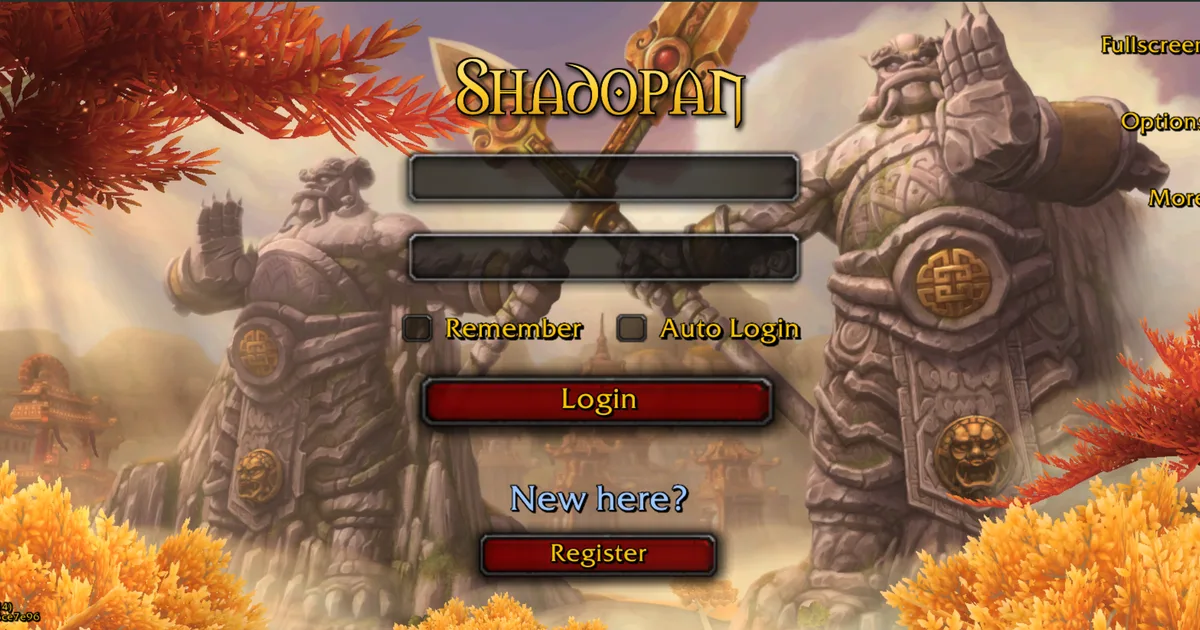
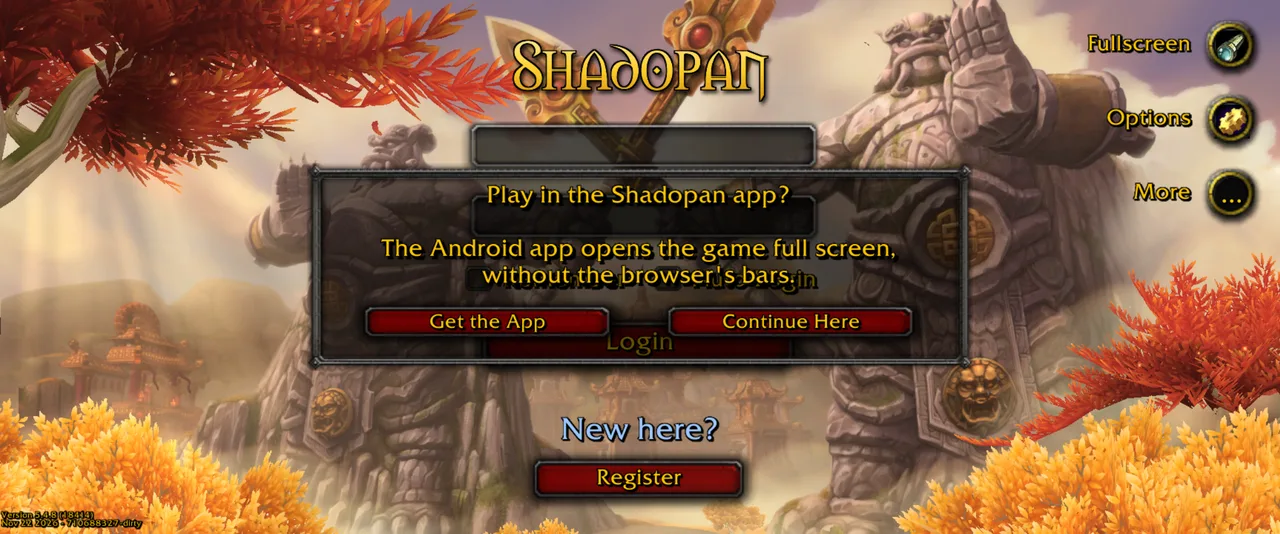
2. On the login screen, the game asks "Play in the Shadopan app?". Tap Get the App. The file Shadopan.apk downloads.
 3. Open the downloaded file. Android asks once whether your browser may install apps: allow it for Chrome, then go back and tap Install.
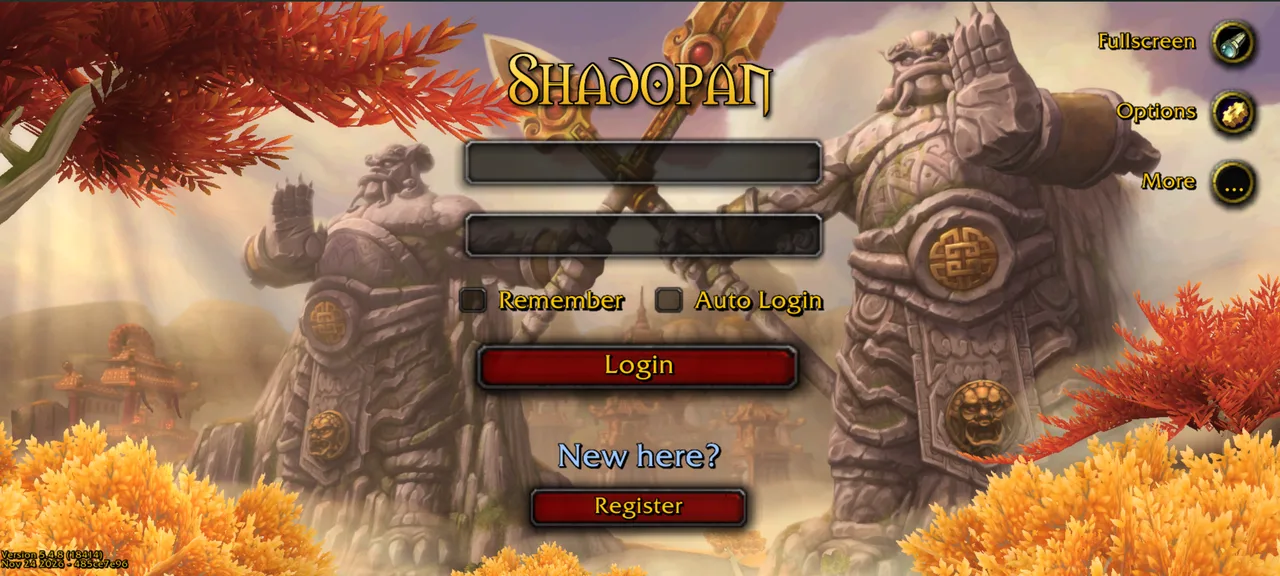
4. Open Shadopan from your home screen and log in with your Shadopan account name and password.
If you tapped Continue Here before, the dialog waits a week before asking again. You can download the app any time from https://play.shadopan.com/android/Shadopan.apk instead.
3. Open the downloaded file. Android asks once whether your browser may install apps: allow it for Chrome, then go back and tap Install.
4. Open Shadopan from your home screen and log in with your Shadopan account name and password.
If you tapped Continue Here before, the dialog waits a week before asking again. You can download the app any time from https://play.shadopan.com/android/Shadopan.apk instead.
Is the APK safe?
Download it only from play.shadopan.com. Android warns about apps that do not come from Google Play; that is normal for any app installed from a website, and it is why Android asks you to allow the install. A copy from anywhere else could be changed by someone else.
App or browser: which should you use?
Both reach the same realm, Shadopan (PvP, level cap 85 for now and 90 when Pandaria opens, free with nothing to buy), with the same account and characters.
- App: full screen with no address bar, its own icon, and the game in landscape from the start.
- Browser: nothing to install. Works on any phone, including iPhone and iPad. See Play WoW on iPhone, iPad and Android.
On a computer, play in the browser or use the Windows launcher.
Problems
- The app shows an address bar at the top: update Chrome from Google Play. The app uses Chrome to run the game full screen.
- "App not installed": check that you have Android 7.0 or newer and enough free space, then download the APK again.
- The game reloads or goes black after a while: the phone ran out of memory. Close other apps, restart the phone, and lower Render Scale in Menu > System > Graphics.
- The world does not draw properly in Chrome on your phone: try playing in the browser in Firefox, and tell us your phone model.
Still stuck?
Ask on our Discord (linked from https://shadopan.com) or use the Support page. Tell us your phone model, your Android version and what you see.