The first start at https://play.shadopan.com downloads the game and the data the login screen needs, so it takes longer than later starts, which read most of that from the browser's own storage. If the bar stops moving for a few minutes, reload the page. If every start is as slow as the first, your browser is deleting the site's data between visits.
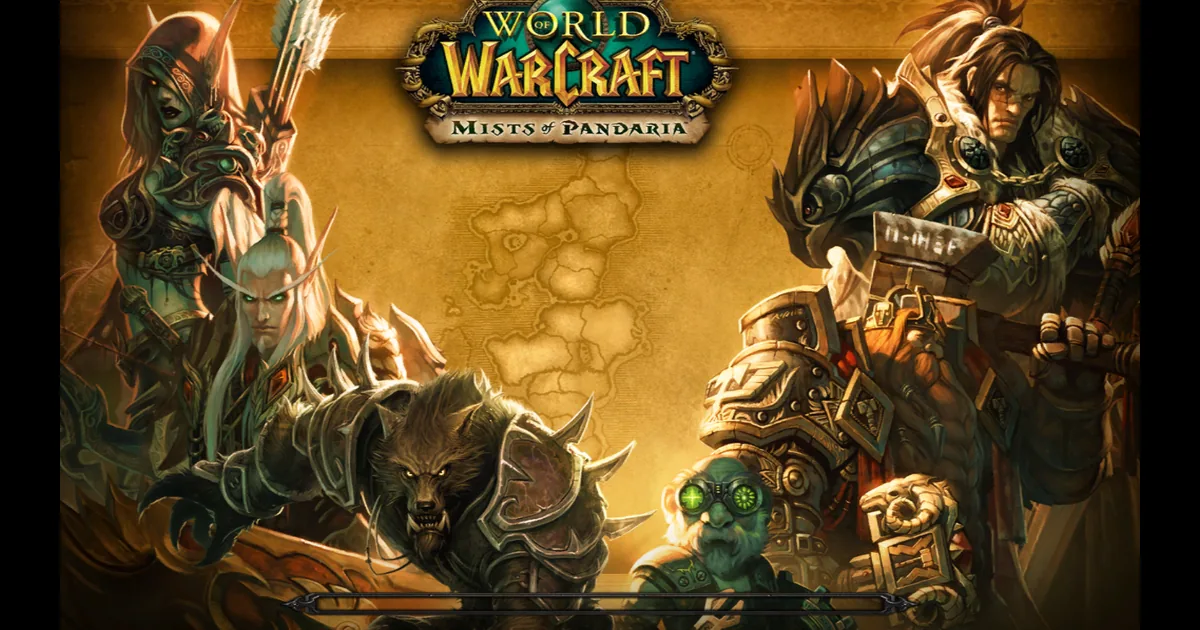
What the page tells you
- "Could not load the game (reason). Reload the page to try again." The download of the game was interrupted. Reload.
- "Not enough memory for the game (reason). Close other tabs or apps, then reload." The browser refused the memory the game asks for. Close other tabs and programs first; on a phone, restart the browser.
- "A new version is available - tap to reload". The game was updated while you had it open. Click the banner.
Fixes, most likely first
1. Wait on the first start. The bar fills as the game downloads, then creeps while the game starts up. A slow connection makes this part long, once.
2. Reload the page. An interrupted download does not resume by itself.
3. Stop the browser deleting site data. If your browser is set to clear cookies and site data when it closes, the game data goes with them and every start is a first start. Add an exception for play.shadopan.com.
4. Use a normal window. A private or incognito window keeps nothing after it closes.
5. Free some disk space. A browser that is short of space can clear stored site data on its own.
6. On mobile data or weak Wi-Fi, do the first start on a better connection. Later starts need far less.
Loading while you play
The game streams its data as you go, so the first time you enter the world, open a window or visit a new zone, some of it comes from the network. Things we fixed here:
- 2026-11-14: opening the spellbook, pet journal and other windows no longer freezes the game while their pictures download, and the data that every character needs to enter the world is fetched ahead of time at the login screen.
- 2026-11-15: that fetching ahead had been failing since the update of 2026-11-13; fixed on 2026-11-15. If entering the world is still very slow, reload with Ctrl+F5.
If the bar finishes but the screen is black, see Black screen or frozen picture. If the page shows a message about your browser instead of a bar, see This browser can't run the game.
Still stuck?
Ask on our Discord (linked from https://shadopan.com) or use the Support page. Tell us your browser, your connection (home broadband, mobile data), how far the bar got and how long you waited. On a computer, pressing F10 on the game page shows its log; a screenshot of the last lines helps. The page sends a crash report by itself when the game stops, as described on the privacy page.