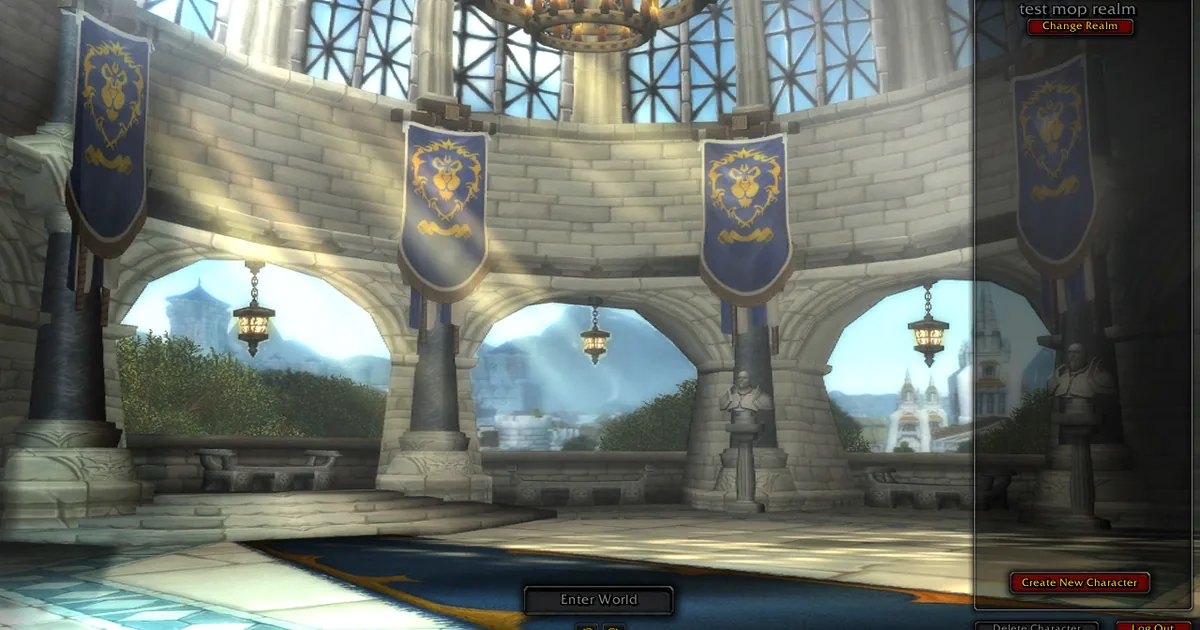
One account can be in the game once. If the same account logs in from another tab, browser or device, the two sessions push each other out: within a minute or two the earlier one is disconnected and returned to the login screen. Close the other session, or make a second free account if two people want to play at the same time.
How to tell this is your problem
- You are disconnected a minute or two after logging in, more than once, with a good connection.
- The game is also open in another tab or window, on your phone, or on someone else's device with your account.
- Logging back in works, and then the other device is the one that drops.
Fixes, most likely first
1. Close the other tab. Check every browser window for a second https://play.shadopan.com tab, including ones left open at the login or character screen after logging in.
2. Log out on your other devices. A phone with the game still open in the browser counts, even if you put it down.
3. Sharing with a friend or family member? Make an account each. Accounts are free: press Create Account on the game's login screen or sign up at https://shadopan.com/en/how-to-play. Sign-up allows up to five new accounts an hour from one connection.
4. Nobody else should have your password. If you don't recognise the other login, change your password. Note that for now a password changed on the website only reaches the game after staff reload your account, so tell staff on Discord or through the Support page at the same time.
Switching devices
You can move between a computer and a phone as often as you like, with the same account and characters. Log out to the login screen, or close the tab, on the first device before you log in on the second. Your character is saved on the server, so nothing is lost by switching.
Not this?
If only one session exists and you are still disconnected, the cause is something else: a phone browser that went to the background, the staff-only realm, or the connection itself. Disconnected from the server goes through those. For login problems, use the Support page.
Still stuck?
Ask on our Discord (linked from https://shadopan.com) or use the Support page. Tell us your account name (never your password), which devices you play on, and how long after logging in the disconnect comes. On a computer, pressing F10 on the game page shows its log; a screenshot of the last lines helps. The page sends a crash report by itself when the game stops, as described on the privacy page.